This week in class we took a look at websites that made us more aware of data privacy, digital consent, and the way that our information is tracked when using the internet.
In our class on May 20th we looked at a few websites that I am going to break down into more detail below. One of the first ones we were asked to look at was a website called “clickclickclick.click.” This website is interactive with the motion you do and the things that you click. It can tell where the mouse moves on the track pad and even if you go off the tab will know how long the site was inactive for. In the images below you can see how the website starts off and what it looks like after I have used it, showing the list of things like my mouse movement, inactive status and more.
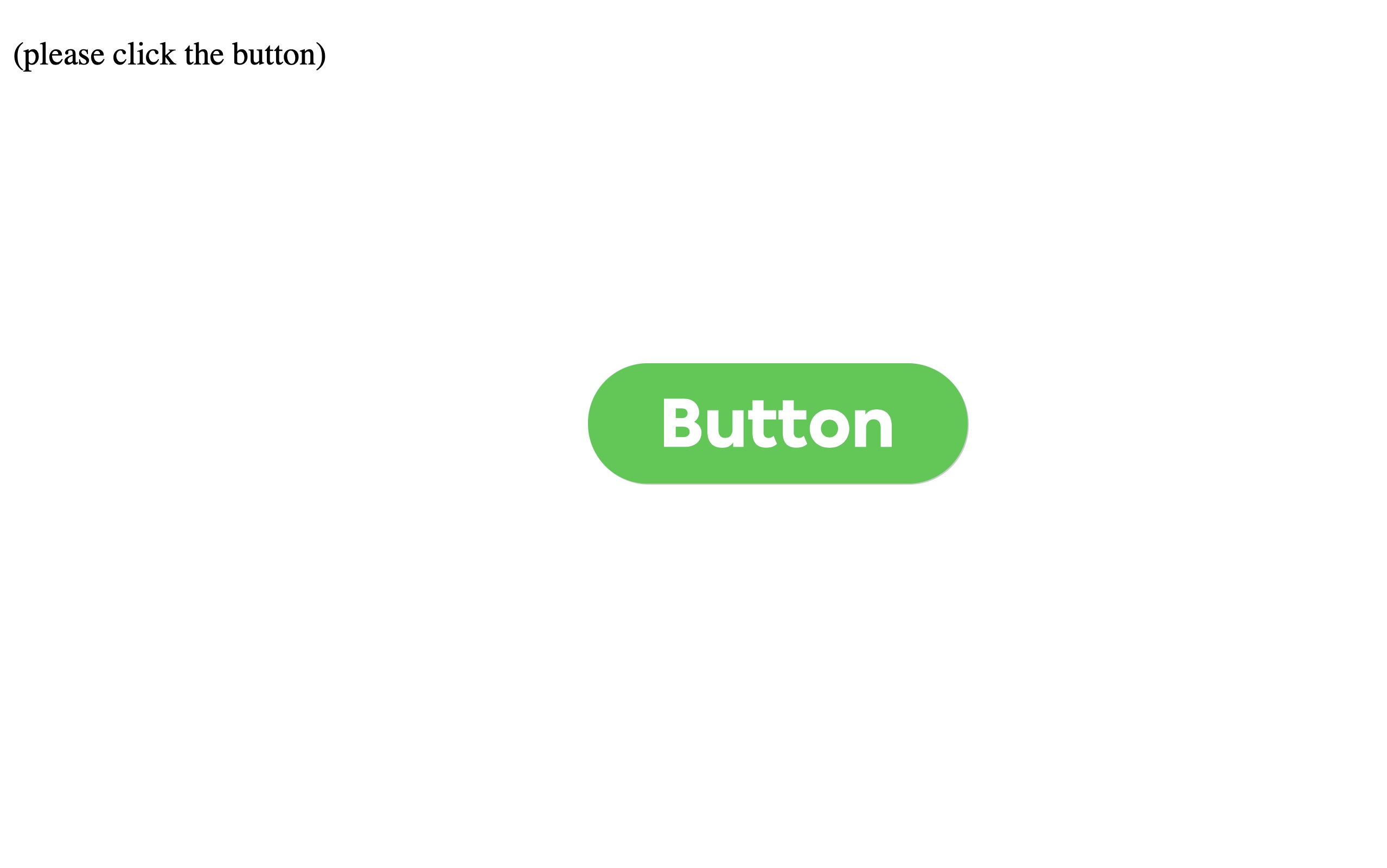
Screenshot
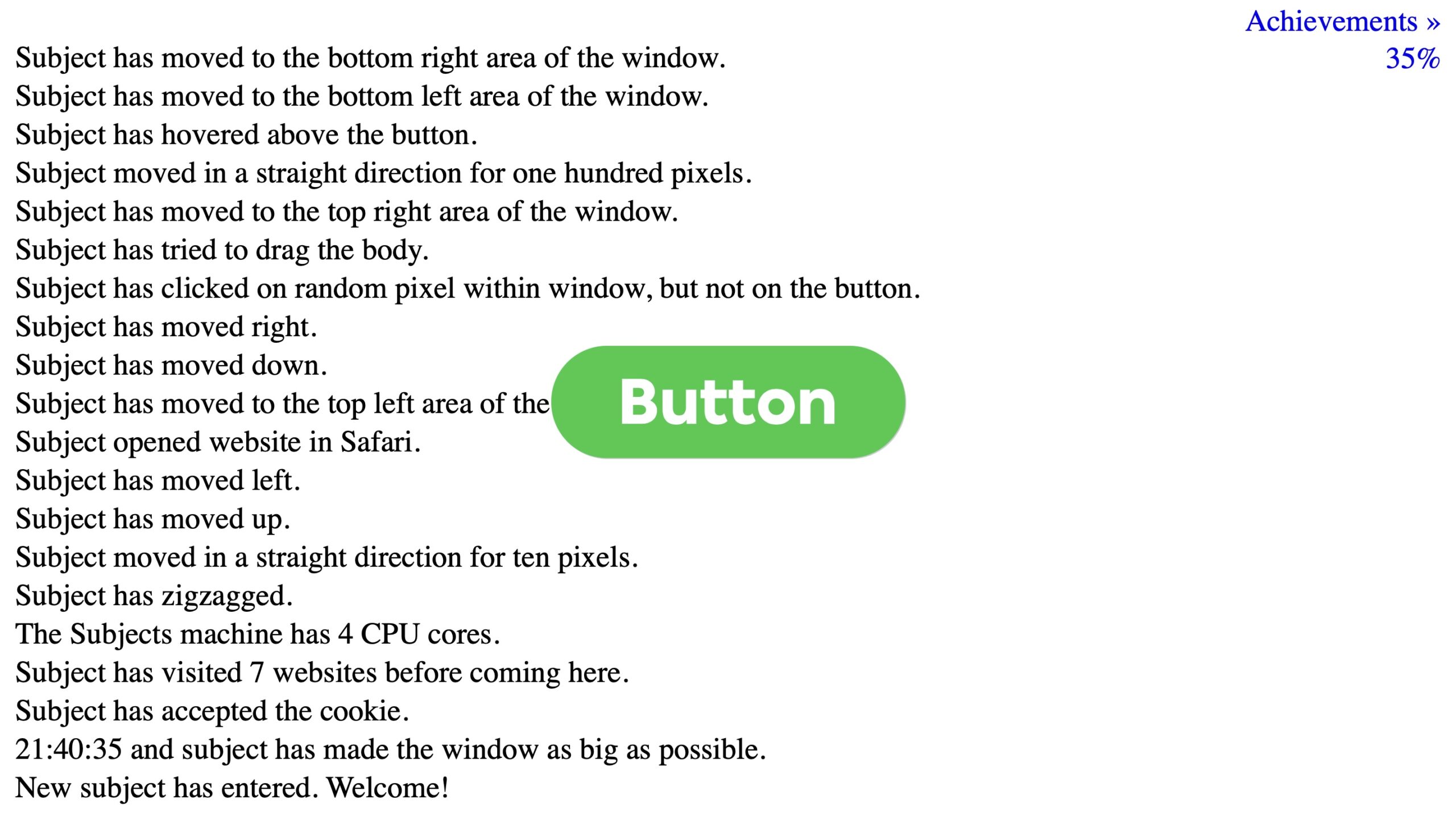
Screenshot
The second website we were asked to take a look at was “Since You Arrived” . As soon as you clicked on the link there was a very ominous feel to the website and revealed way more than I knew was available to see. It was able to tell me where I was accessing the website from and gave me a parietal IP address, my time zone, what search engine I used to get to the website, the website I came from before arriving at this one, and so many more creepy things. When you scroll to the bottom there is a message that reads “Every page you have ever visited knows at least this much. Most of them know more. None of them told you.” This is a scary message and not something I never gave much thought to until now.
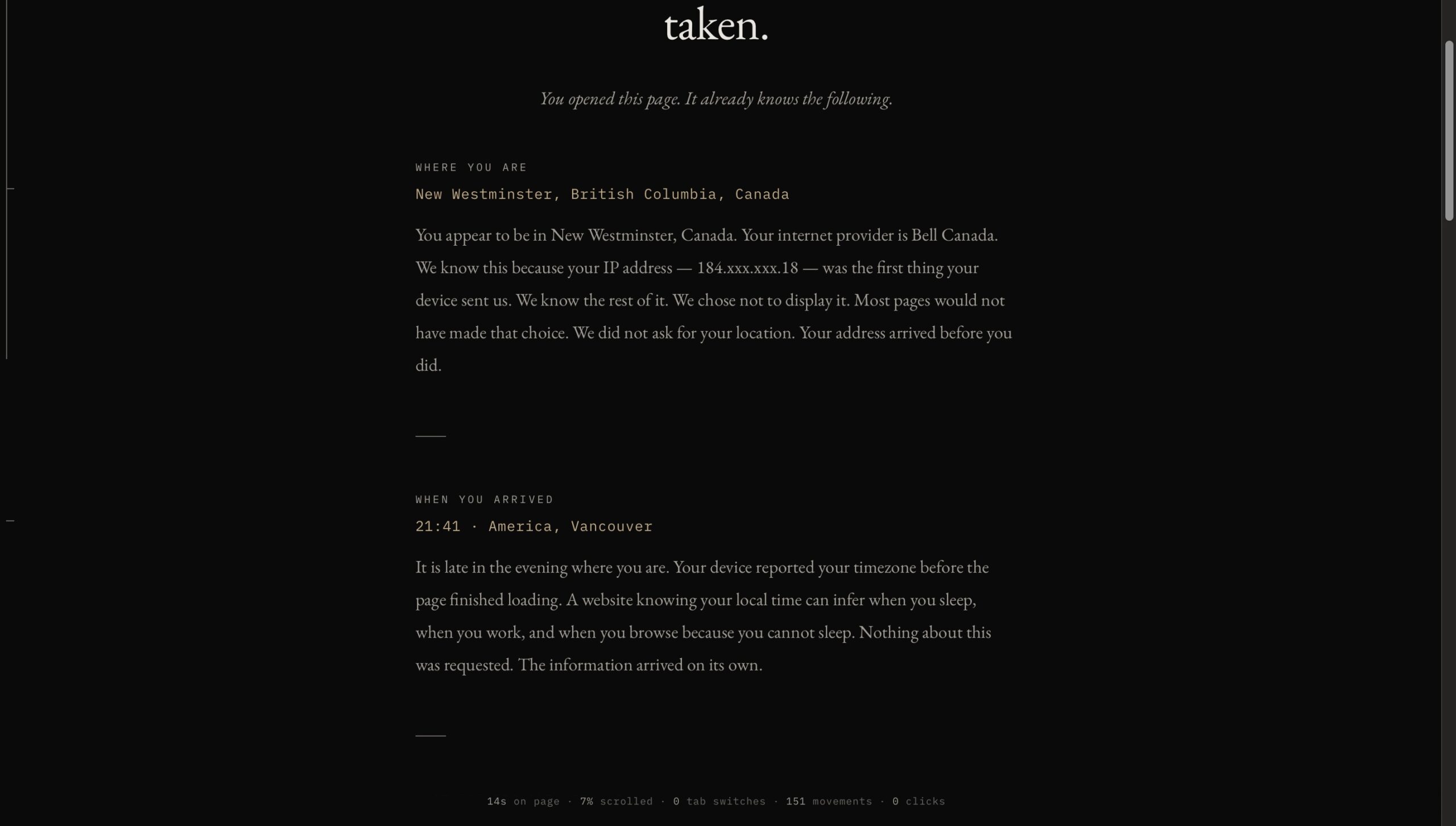
Screenshot

Screenshot
The next website we looked at was “Privacy.net”. I wasn’t able to look into too much of the website just due to time constraints in class but after I did go back and get a better idea of what the site purpose was. Privacy.net was very similar to the last website being that it was able to tell me my IP address and give me more details on what could be accessed and how hackers or people trying to get my information could easily access certain information. Something I noticed when accessing this website for the second time was during my break on a work computer. I clicked the link and it looked different. My IP address was now showing as a location in Alberta. I got curious so I asked our IT department. They said they have technology that blocks/edits the IP address to make sure the browser is extra secure due to the confidential information we have in our system.
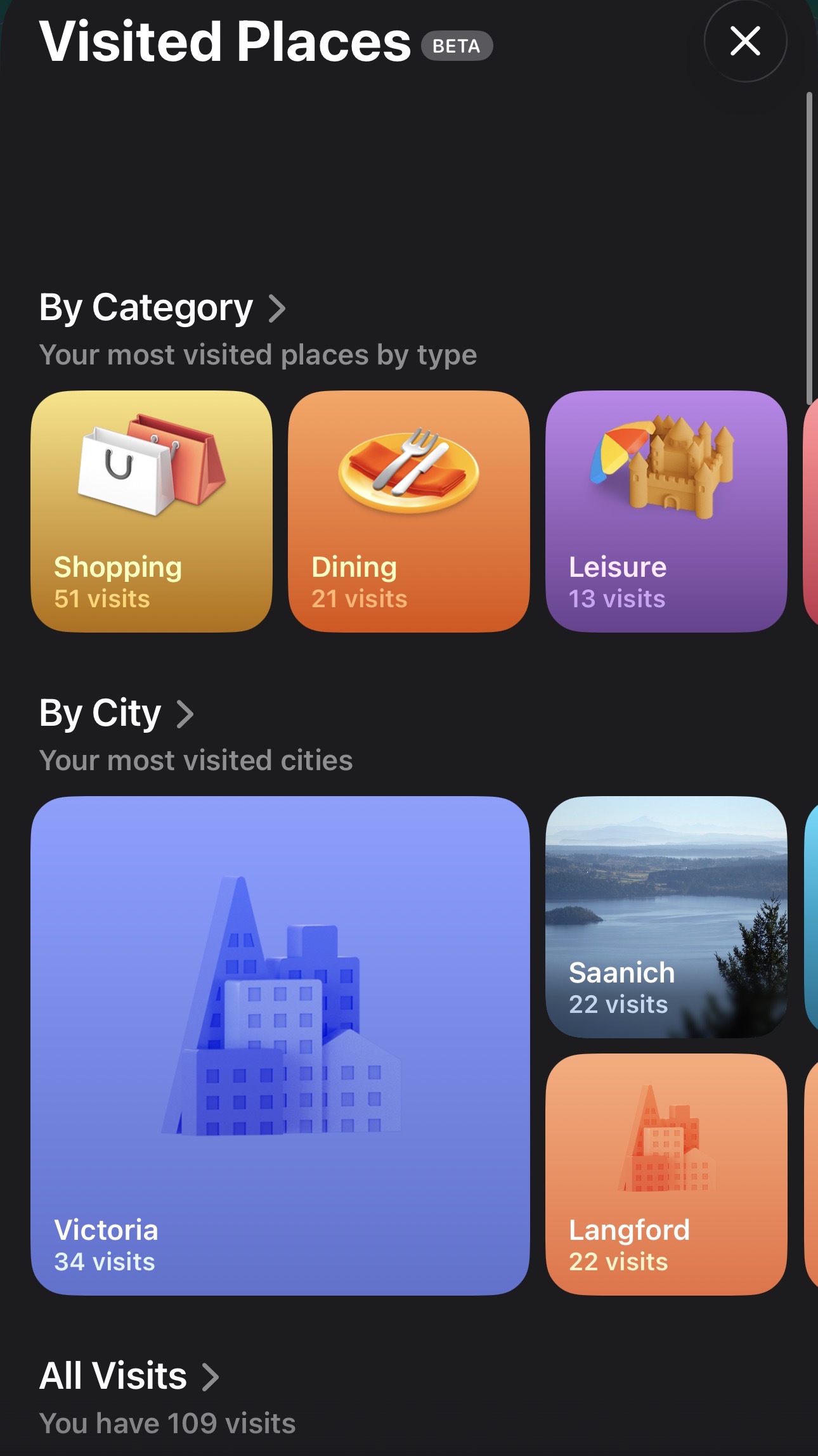
The last task we had was to go to google maps and look at our timeline. I am not the biggest fan of google maps and more used my iphone maps. I was curious to see if the app had something similar to Google’s platform. I went to the maps app and lo and behold they do. When you click on your icon it will give you a list of options. There was a tab for “Places” and when I clicked on it I listed all the locations I have visited and went back as far as February. It was grouping the location I had been to by categories such as municipalities in the Greater Victoria Area, shopping locations, dining, leisure, health, and so many more. It also showed a map view of all the locations I had been to in the last 3 months. I also noticed that it had a saved location to the place that I worked. I realized this was the case because in my calendar I linked my work location because I requested my phone to remind me 30 minutes before my shift starts and that is prompted by setting a location for the calendar event.
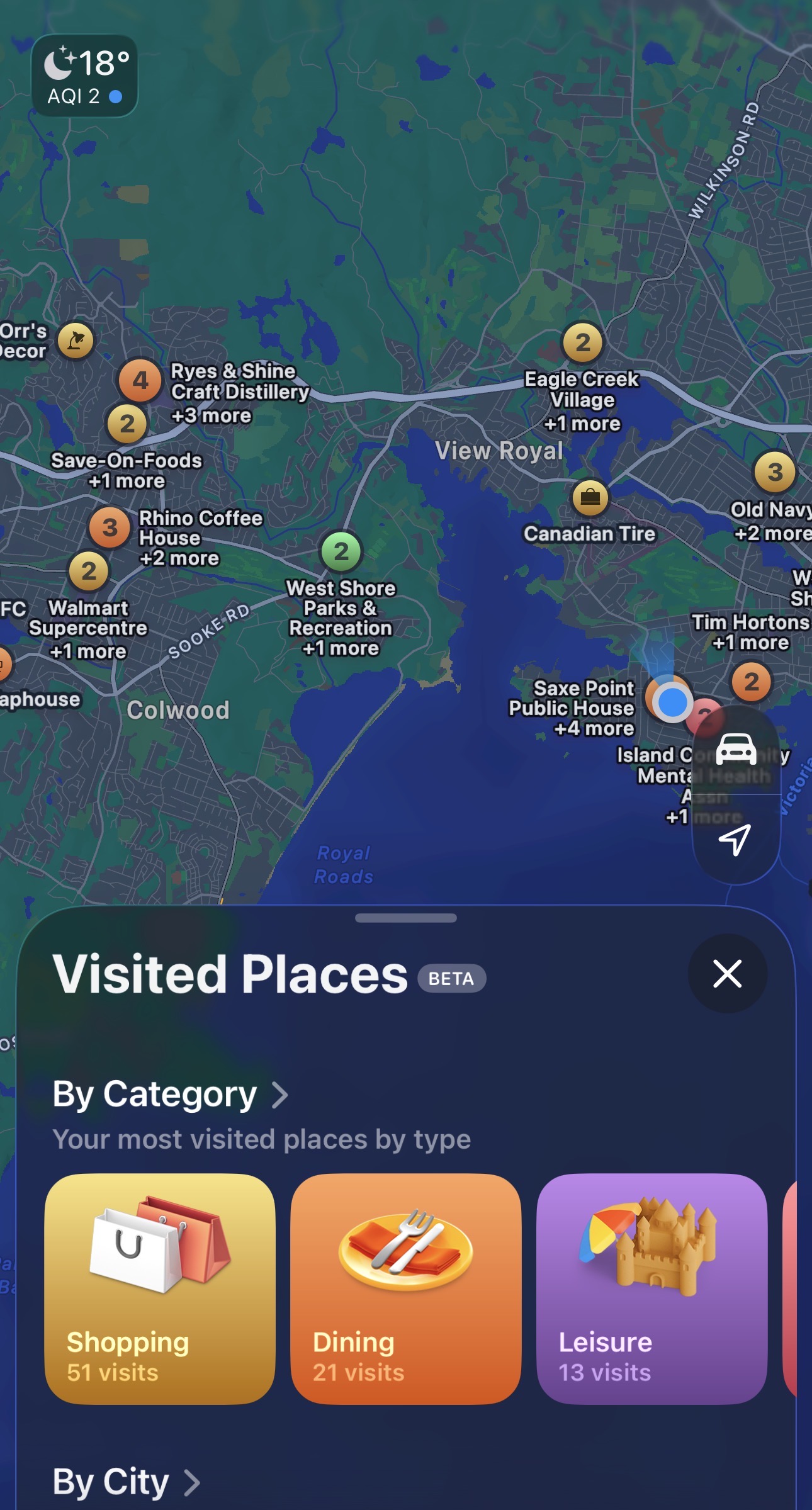
Screenshot
Screenshot
If I am going to be honest this week was a scary one. I had no clue these were things that my devices were capable of. My ignorance was bliss until this website opened my eyes to the things happening behind the scenes when I go to a website or use a simple app like Maps. I have been able to secure my browser more and started to do more learning on how to protect myself when using the internet.